Discover why PDF to InDesign conversion fails and learn professional solutions to preserve layouts, fonts, and formatting accuracy.
Jan 4, 2026
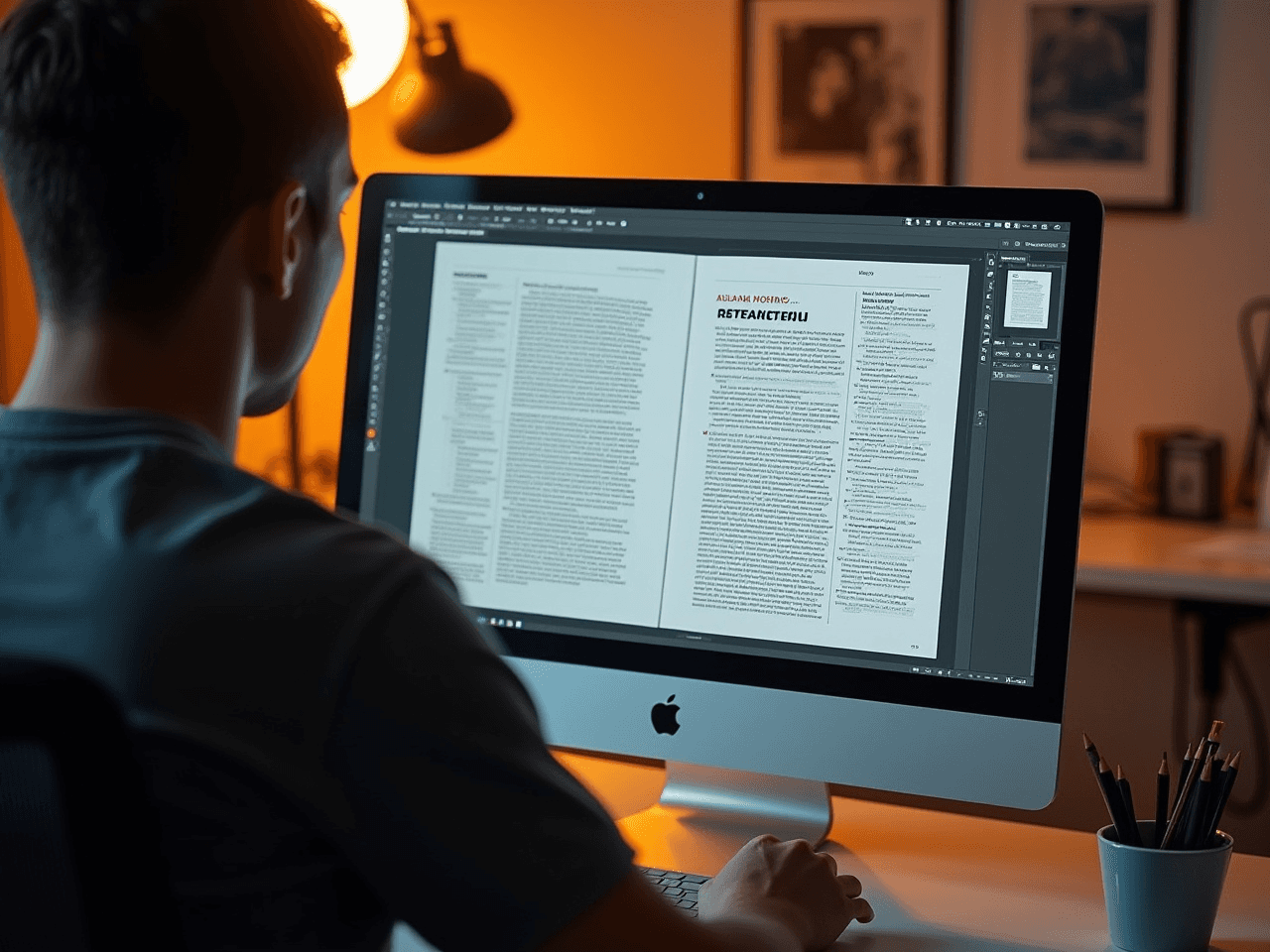
Converting a PDF back to an editable Adobe InDesign file sounds simple in theory. You have a finished document, you need to edit it, and you expect the software to handle the rest. Reality tells a different story.
Every day, businesses lose hours rebuilding files that should have converted cleanly. Marketing teams discover their carefully crafted brochures have become undatable static images. Technical writers find their documentation trapped in formats that resist modification. The frustration compounds when deadlines approach and layouts remain broken.
This challenge affects organizations across every industry, from global enterprises updating multilingual catalogs to small businesses revising promotional materials. Understanding why these conversions fail reveals the path to solving them effectively and protecting your content investments.
The Core Problem with PDF to InDesign Conversion
A PDF file was never designed for editing. The exists to preserve visual appearance across devices and platforms. When Adobe created this format, the priority was output consistency, not workflow flexibility.
InDesign files operate on entirely different principles. They contain live text, linked images, paragraph styles, master pages, and layered structures that allow designers to make changes efficiently. A PDF flattens all of this intelligence into a static representation.
When conversion tools attempt to reverse this process, they must guess at the original structure. This guessing creates the failures that derail production schedules.
Seven Reasons PDF to InDesign Conversion Fails
1. Text Reconstruction Breaks Down
PDF files store text as individual character positions rather than flowing paragraphs. Conversion software must reassemble these characters into coherent text blocks, often failing when dealing with:
Complex column layouts that create ambiguous reading order
Hyphenated words that get split incorrectly
Superscript and subscript characters that lose their positioning
Text on curved paths that becomes fragmented
The result is paragraphs that appear correct visually but contain hidden breaks, incorrect spacing, and lost formatting attributes.
2. Font Substitution Creates Visual Chaos
When original fonts are embedded in a PDF but unavailable on the conversion system, substitution occurs. According to Adobe's documentation on font handling, missing fonts trigger automatic replacement that can alter character width, line breaks, and overall document flow.
Even when fonts appear installed, version differences between foundries create subtle but significant variations. A document that fit perfectly in its original form suddenly overflows text frames or leaves awkward gaps.
3. Image Quality Degrades Unpredictably
PDFs compress images during creation. When conversion tools extract these images, they cannot restore lost pixel data. Additionally:
Vector graphics may convert to rasterized images
Transparency effects flatten into solid backgrounds
Color profiles shift during extraction
Resolution drops below print requirements
Professional image and graphic editing services become essential when recovered images fail to meet production standards.
4. Paragraph and Character Styles Vanish
InDesign's power comes from its style system. A single paragraph style can control font, size, leading, color, indentation, and dozens of other attributes across hundreds of pages. PDFs contain none of this intelligence.
Converted files arrive with every formatting decision hardcoded into individual text runs. Changing a heading style that should take seconds now requires manual editing across the entire document.
5. Master Pages and Templates Disappear
Documents built with master pages maintain consistency through centralized control. Headers, footers, page numbers, and recurring design elements live on masters that apply automatically throughout the file.
PDF conversion strips this relationship entirely. Every page becomes an independent island, and any change to recurring elements demands repetitive manual work.
6. Table Structures Collapse
Tables in PDFs often appear as grouped lines and text boxes rather than true table objects. Conversion software struggles to:
Identify cell boundaries accurately
Maintain row and column relationships
Preserve cell merging and spanning
Retain table styles and formatting
Technical manuals and financial documents suffer most from this limitation, as their tabular data requires precise structural integrity.
7. Multilingual Content Compounds Every Problem
Documents containing multiple languages face exponentially greater conversion challenges. Right-to-left scripts like Arabic and Hebrew require specific text engine handling. Asian languages need appropriate line breaking rules and font rendering.
A PDF that displays these languages correctly may convert into InDesign with reversed text direction, broken character connections, and destroyed layout flow. Professional multilingual typesetting services exist precisely because automated tools cannot handle this complexity.
How Professionals Solve PDF to InDesign Conversion Challenges
Experienced desktop publishing specialists approach conversion as reconstruction rather than simple file translation. The process involves multiple stages designed to address each failure point systematically.
Stage 1: Source File Assessment
Before any conversion attempt, professionals evaluate the PDF to determine:
Original creation method and software
Font embedding status and availability
Image quality and resolution
Document complexity and page count
Target use case and quality requirements
This assessment determines whether direct conversion makes sense or whether OCR reconstruction offers better results. OCR conversion services provide an alternative pathway when source PDFs lack embedded text or contain heavily formatted layouts.
Stage 2: Strategic Conversion Approach
Professionals rarely rely on single-tool conversion. Instead, they combine multiple methods:
Extracting text separately from visual elements
Rebuilding layouts using the PDF as visual reference
Recovering images at highest possible quality
Recreating styles based on document analysis
Testing fonts for exact version matching
The International Digital Publishing Forum establishes standards that inform how professionals approach document reconstruction while maintaining accessibility and structural integrity.
Stage 3: Manual Refinement and Quality Control
Automated conversion provides a starting point, not a finished product. Skilled DTP operators then:
Correct text flow and paragraph breaks
Relink or replace degraded images
Build proper style sheets for efficient editing
Create master pages for consistent elements
Verify color accuracy across all elements
Test output across intended formats
This manual refinement transforms problematic conversions into production-ready files. Quality assurance services catch issues that automated checking misses.
Stage 4: Format Optimization for Future Use
Professionals prepare converted files for their intended purpose. Print production requires different specifications than digital distribution. File conversion and formatting ensures documents meet technical requirements for their destination.
Formatting and file conversion services handle the technical specifications that determine whether files succeed or fail at final output.
When to Skip Conversion Entirely
Sometimes the best solution is accepting that conversion will cost more than recreation. This typically applies when:
Original documents contain fewer than ten pages
Layouts require significant redesign regardless
Source PDFs have severe quality limitations
Timeline pressure makes iterative fixing impractical
Professional assessment identifies these situations early, preventing wasted effort on conversions that cannot succeed.
The Hidden Cost of Failed Conversions
Organizations often underestimate what failed conversions actually cost. Beyond the obvious hours spent troubleshooting, hidden expenses include:
Delayed launches when production schedules slip due to file problems
Quality compromises when deadlines force acceptance of flawed files
Brand damage when inconsistent documents reach international markets
Staff frustration when internal teams struggle with unsuitable tools
Opportunity costs when resources focus on fixing problems instead of creating value
The true expense often exceeds initial project budgets several times over. A single failed conversion for a regulatory document can trigger compliance issues across multiple markets. Marketing materials with conversion errors damage brand perception precisely when impressions matter most.
Investing in professional conversion services eliminates these cascading costs while delivering files that actually work for their intended purpose.
Building Better Workflows for the Future
The most effective approach to PDF to InDesign conversion combines professional services with improved internal practices. Organizations should:
Maintain original editable files alongside PDFs
Document fonts and assets used in each project
Establish clear archiving procedures for source materials
Partner with DTP specialists for complex conversion needs
Request native files from vendors and collaborators
Proper data and file preparation at project start prevents conversion problems at project end.


Partner with Experts for Flawless File Conversion
PDF to InDesign conversion fails because the formats serve fundamentally different purposes. Automated tools cannot bridge this gap reliably, especially for complex multilingual documents, technical manuals, or brand-critical materials.
DTP Campus brings the expertise, tools, and systematic processes that transform problematic PDFs into fully editable, production-ready InDesign files. Our specialists understand both the technical limitations and the practical solutions that deliver results when software alone falls short.
Stop struggling with broken conversions that waste time and compromise quality. Let our team handle the complexity while you focus on what matters most.
Ready to solve your conversion challenges? Contact DTP Campus and discover how professional file conversion protects your content investment.
